Loading products
- ai agent
- available
Every invoice channel, one organised monthly flow
We connect the agent to your inboxes and other document sources. It collects invoices, handles clear cases and contacts your team only when a document or human action is missing.
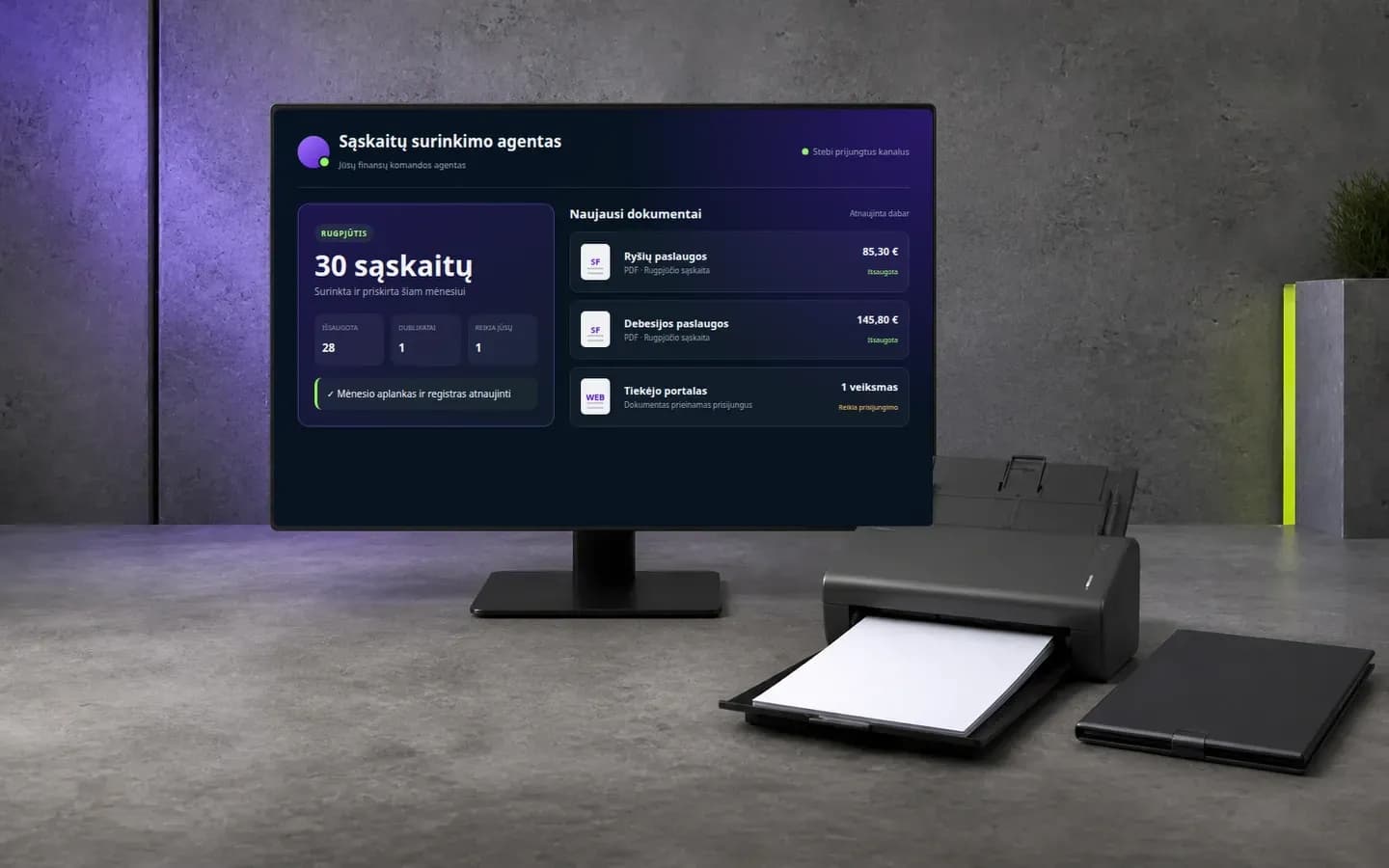
Less searching, fewer gaps at month end
The agent keeps invoice intake moving across the channels your company already uses.
No more invoice hunting
Invoices are collected from connected inboxes, attachments, links and agreed document sources.
One clean monthly record
Duplicates are removed and approved documents are organised by period in the workspace your accounting team uses.
Missing documents stay visible
The agent tracks recurring invoices and flags documents or actions that are still outstanding.
How the agent keeps invoices moving
From scattered messages to an organised monthly hand-off.
Connects the sources
Monitors the inboxes, shared mailboxes and document channels agreed for your process.
Finds and understands invoices
Reads email context, attachments and safe document links to separate invoices from everyday inbox noise.
Checks and organises
Extracts the key details, removes duplicate documents and files clear cases in the correct period.
Brings back only exceptions
Messages the responsible person when a portal login, missing document or business decision is needed.
What your accounting team receives
A current monthly workspace instead of another inbox to review.
Organised invoice files
Format: PDF and source documents
Verified documents grouped by accounting period with stable naming and links.
Delivered to: Drive, SharePoint or agreed storage
Invoice tracker
Format: Structured register
Supplier, invoice number, dates, amount, currency, source and document link in one view.
Delivered to: Sheets, Excel or another workspace
Exception queue
Format: Action list
Only the documents that require login, clarification or a human decision.
Delivered to: Chat, email or team channel
Completeness summary
Format: Monthly status
Which recurring invoices arrived, which are not due yet and which are genuinely missing.
Delivered to: Your chosen team channel
Autonomous collection with clear boundaries
The agent advances routine intake while your team keeps control of financial decisions.
Works across connected channels
Combines invoice evidence from the sources configured for your company.
Each connection uses agreed access and least-privilege credentials.
Handles clear documents
Classifies, verifies, deduplicates and organises routine invoices.
Unclear and portal-only cases are surfaced instead of guessed.
Delivers to your workflow
Sends approved documents and structured data to the workspace agreed during setup.
It does not pay or post invoices without a separately approved integration and control process.
Common questions
The agent is configured around the company's actual invoice channels and accounting workflow.
How many inboxes can be connected?
We connect the inboxes, shared mailboxes and other sources needed for your process. The exact connectors and permissions are agreed during setup.
Where can the collected invoices go?
They can be delivered to Drive, SharePoint, an accounting workspace, an ERP integration or another agreed destination used by your team.
What happens when an invoice is only available in a portal?
The agent uses a safe download route or a dedicated connector when available. If a login, MFA or human approval is required, it creates a clear action instead of silently skipping the invoice.
Connect your invoice channels
Show us where invoices arrive today. We will map the sources, exceptions and the accounting hand-off for a working first version.