The Hidden Cost of Manual Work
The problem nobody talks about
There's a type of work that doesn't show up in any job description.
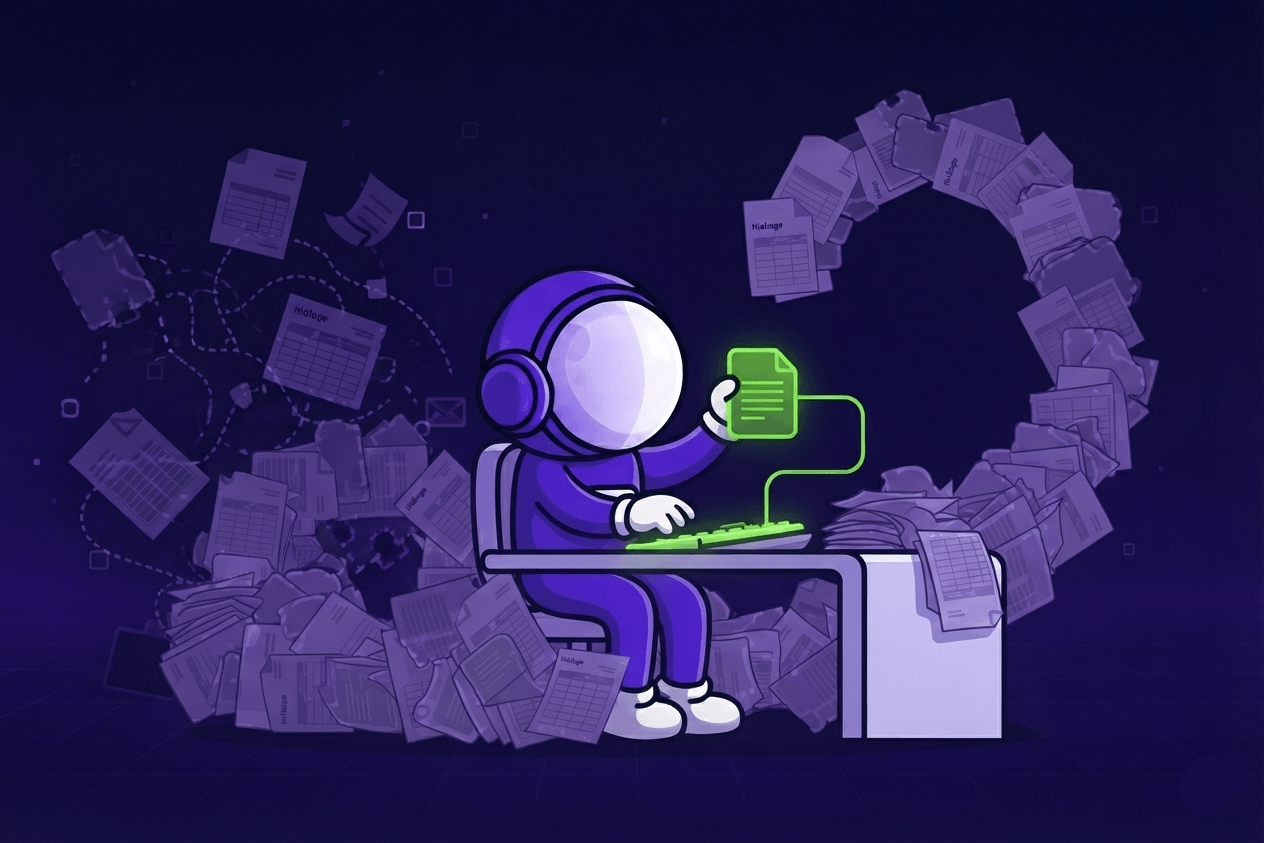
It's the person who rebuilds the same report from three different Excels every month. The one who manually uploads invoices into the accounting software because nobody connected the two. The one who copies an order from an email into the CRM, then into the ERP, then sends a confirmation back.
Nobody decided this was their job. It just became their job.
And the strange thing is - it rarely feels like a crisis. The work gets done. Deadlines are met. So the question never gets asked: why is a person doing this at all?
Six places where company time disappears
We've worked with enough teams to know where this usually hides. It's almost always one of these six:
1. Documents, invoices, and accounting software. Someone is manually uploading invoices (opens in new tab), contracts, or delivery notes into a system that could receive them automatically. The document arrives. A human opens it, reads it, types it in. Every time.
2. Reports and KPIs. The monthly report gets assembled by hand - pulling numbers from one spreadsheet, copying them into another, formatting, double-checking. It takes hours. It happens every month. The data exists; the process to combine it doesn't.
3. Client communication. Enquiries land in a shared inbox and wait. Someone reads them, decides what they are, forwards them, or responds. There's no triage, no routing, no acknowledgment. Just a queue that depends on whoever checks the inbox first.
4. Internal / business operations. An order enters the company and travels through it by copy-paste. From email to CRM. From CRM to ERP. From ERP to the team chat. Each step is manual. Each step is a chance for something to go wrong - and those errors add up: Gartner (opens in new tab) estimates poor data quality costs organizations an average of $12.9 million a year.
5. Sales and proposals. Proposals (opens in new tab) take longer to prepare than clients are willing to wait. The information exists - past projects, pricing, scope - but assembling it into something sendable takes days. By then, the conversation has cooled.
6. Production and pricing. There's a spreadsheet that calculates costs and timelines. One person built it. One person understands it. It's a bottleneck nobody notices - until they're unavailable, and the process stops.
And here's the part most won't tell you: sometimes the fix isn't AI at all.
Which of these six is yours? The AI diagnostic (opens in new tab) answers that in 3 minutes.
Why most companies don't fix this
It's not that people don't notice. It's that the fix feels uncertain.
Do we need AI? A new system? An integration? A consultant who'll spend three months mapping things out and hand us a PDF?
The honest answer is: it depends. And the risk of guessing wrong is real - Gartner found (opens in new tab) that at least half of generative AI projects get abandoned after proof of concept, often because the data or process underneath wasn't ready. Most of the time, nobody gives you an honest answer before you've already spent something.
That's the part we wanted to change.
What we actually do
We built a 3-minute diagnostic (opens in new tab) to figure out which category your process falls into - before anyone spends time or money.
Not a score. Not a benchmark against industry averages. An engineer's read on your specific situation - where the process bottlenecks actually are, and whether they're worth fixing.
Sometimes the answer is: you don't need AI. An integration between two systems you already have would solve 80% of the problem.
Sometimes it's: the process needs cleaning before anything can be automated. Automating a broken process just makes it break faster.
Sometimes it's: yes, this is exactly the kind of thing that pays back quickly - and here's what the first step looks like.
The diagnostic is free. The "it's not worth it" answer is also free.
What happens after the diagnostic
If there's potential, we offer three ways to go deeper:
Quick Look - a short, focused review of one specific process with an engineer who actually implements things. You leave with a clear "do it / don't do it" and a scope for the first step.
Structured Audit - a full review of a workflow from end to end: what's actually happening, where time disappears, and what the simplest fix is. Not a theory. A plan.
Deep Dive - for processes where mistakes are expensive and the stakes are high. We go to the data level. We map exceptions, edge cases, and failure modes before recommending anything.
Audit cost gets credited toward implementation. You don't pay for clarity twice.
One thing worth saying clearly
We implement what we recommend.
That matters more than it sounds. It means we don't suggest AI where an integration is enough, because we'd have to build and maintain whatever we recommend. It keeps the advice honest.
We work with the systems you already use: ERP, accounting software, CRM, email, documents, Excel, custom internal tools. We don't ask you to replace anything before we understand what's actually broken.
The goal is simple: less time on manual work, and more on the kind of productivity improvement that actually moves the business.
If you're not sure where to start
That's exactly what the diagnostic is for.
Three minutes. A few questions about your process. An honest answer about whether it's worth going further - and if so, what the next step actually looks like.
No scores. No pitch. Just an engineer's read.

Justas Česnauskas
CEO | Founder
Builder of things that (almost) think for themselves
Connect on LinkedIn