How Email Automation Works in a Small Company
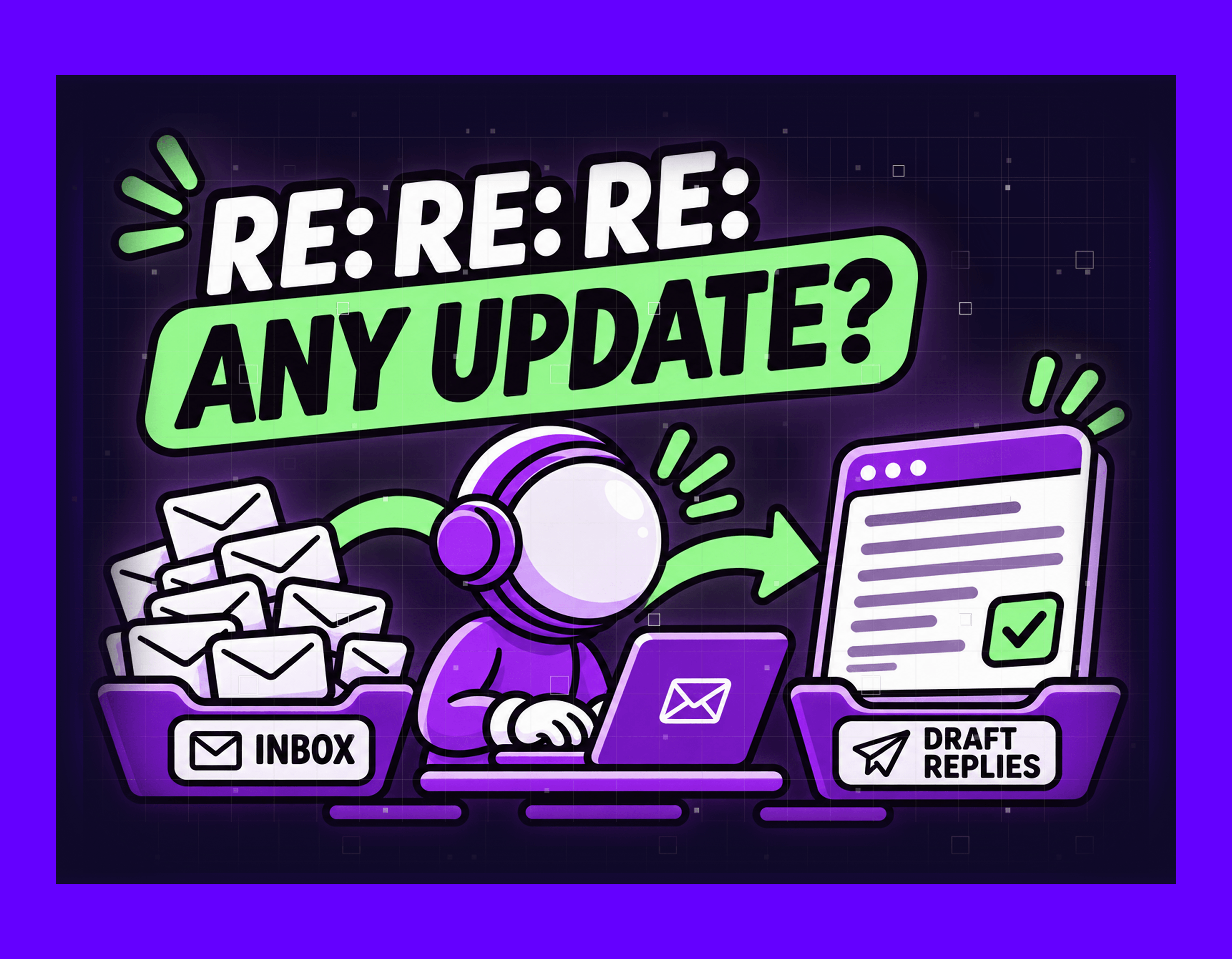
A salesperson opens the shared inbox on Monday morning and looks for the messages still without a reply. With each one the job is the same: read it, find the answer, write back. Email automation takes over that job, so a system reads the message and prepares a draft from your own data. A person checks the draft and sends it. Reading is quick, and the time goes into finding the answer, because it sits in two or three programs.
Customers ask what it costs, whether it is in stock and when it ships. The same questions come back every week, from different people and in different words.
What actually arrives in a shared inbox?
More mail arrives than anybody reads properly. Microsoft counts 117 emails a day for the average worker in its Work Trend Index report (opens in new tab). Most of them get skimmed in under a minute. Those figures come from aggregated Microsoft 365 telemetry up to February 2025, and EU organisations are not in it.
Reading the pile takes little time, and the hours go to the handful that need an answer looked up elsewhere. Those sit in the same inbox as three other kinds of message.
A question whose answer already sits in your systems. The customer asks about one specific thing, such as where order 4012 has got to. Nothing has to be decided. The answer is a number or a date, and somebody has to open a program to read it.
A document that has to end up in a program. That means a supplier invoice, a delivery note or a customer order as a PDF. It is a different job. How much of it can be handed over depends on what your program allows you to write into it.
A message that needs a decision. This covers a complaint, a discount request or a change to an agreed deadline. Somebody with authority has to answer it.
A message that needs no reply at all. Newsletters, confirmations and copies of things already handled. Reading the subject line is enough to close it.
Email automation starts with the questions whose answer is already in a system. Documents are a separate project, decisions stay with a person, and newsletters need nothing.
How does an email agent put a reply together?
The agent puts a reply together in five steps, and a person comes in once the draft is ready.
What the agent does:
- It picks the message up. The agent connects to the mailbox you already use and reads new messages as they arrive. No forwarding rules, no new address for your customers to learn.
- It works out what is being asked. The agent reads the text itself, so it copes when the same question is phrased a different way each time. It also pulls out what the lookup will need: the order number, the product name, the company and the date.
- It looks the answer up. The agent queries the systems where the answer lives. That means the stock table, the order in the ERP, the price list or the earlier correspondence with that customer. One question can need two of them at once.
- It writes the draft. The agent builds the reply from your own earlier answers to the same question. It sounds like your company rather than like a template.
- It leaves the draft for a person. The draft waits in the mailbox together with the records it was built from. Whoever sends it checks the number in one glance.
Where the agent cannot find the answer, it writes no draft. The message goes to a named person together with what it did manage to read. A customer kept waiting costs you less than a wrong number already sent to them.
That boundary is what separates this from a customer service agent that replies on its own. It is also where an agent and a rule-based tool part ways (opens in new tab). A rule needs a fixed form, and an agent reads what arrived.
What does email automation change?
Four things change, and none of them is about typing faster.
The reply goes out the same day. A question that needed several programs opened now waits for one check.
It no longer matters who opened the email. Two people answering the same question from the same records give the same number.
One person stops being the lookup function. The colleague who knows where everything is gets that time back for work only they can do.
Nothing stops when somebody is away. Drafts keep appearing, and anybody on the team can read and send them.
We build the system described here, and we have not seen it running in your company. Email automation is listed on our time to automate (opens in new tab) page as a one to two week build. We have published no figure for how much it shortens a reply.
Which systems does it have to reach?
The agent has to reach whichever systems hold the answer, and usually that is two or three. Those are a mailbox, the program that knows the order or the stock, and wherever the price was agreed.
Reading and writing are two separate permissions, and reading is the easier half. For this service the agent mostly reads, because the output is a draft rather than a record. Where a program exposes no interface at all, we take the data from an export file. We check that before any date is agreed.
Frequently asked questions
Will it answer our customers by itself?
Not in this setup. Email automation here prepares the draft, and a person sends it. An agent that replies on its own is a separate, larger service. Whether it suits you depends on how much of your inbox is routine.
What happens to an email it does not understand?
It stops. The agent writes no draft, and the message reaches a named person with whatever it read from the email. Guesses and sent replies do not happen here.
Do we have to change our email or our ERP?
No. The agent connects to what you run now, and your customers keep writing to the same address. What changes is what is waiting in the mailbox when somebody opens it.
Will the replies sound like us?
The agent builds the draft from your own earlier replies to the same questions. You agree the wording once per question type, and from then on the draft follows it.
What about emails in other languages?
The agent reads the message in the language it arrived in and drafts the reply in that same language. Each language still needs somebody on your side who can check a draft before it goes.
When does email automation not help?
Three situations where a prepared draft saves nothing.
Your customers phone instead of writing. Where the questions arrive by call, there is no message to read and nothing to prepare.
The answer is in nobody’s system. Stock gets counted on a shelf and the delivery date lives in the production manager’s head. Then nothing can be looked up. First the process has to be repaired (opens in new tab), and that happens without any new system.
The questions change every season. Each new product line or promotion brings a different set of questions. The answers then have to be agreed again every time. That upkeep can take more time than the lookups it removes.
Where to start
Open last week’s sent folder and pick twenty replies you wrote to customers. Beside each one, write down which program you had to open to answer it.
What decides is how often the same program comes up. Where one or two of them repeat, that lookup is the part worth handing over. Email automation is then a short build. When every reply needed a different program, the problem sits elsewhere, and we will say so.
Get in touch (opens in new tab) if the same questions take your team’s time every day. A build this size runs one to two weeks.
Gabriele J.
Marketing Specialist